Photo Gallery
Put your favorite photos right on your dashboard. Upload up to 10 images, pan each one to frame it perfectly, add a caption, and let them cycle automatically — or flip through them yourself.
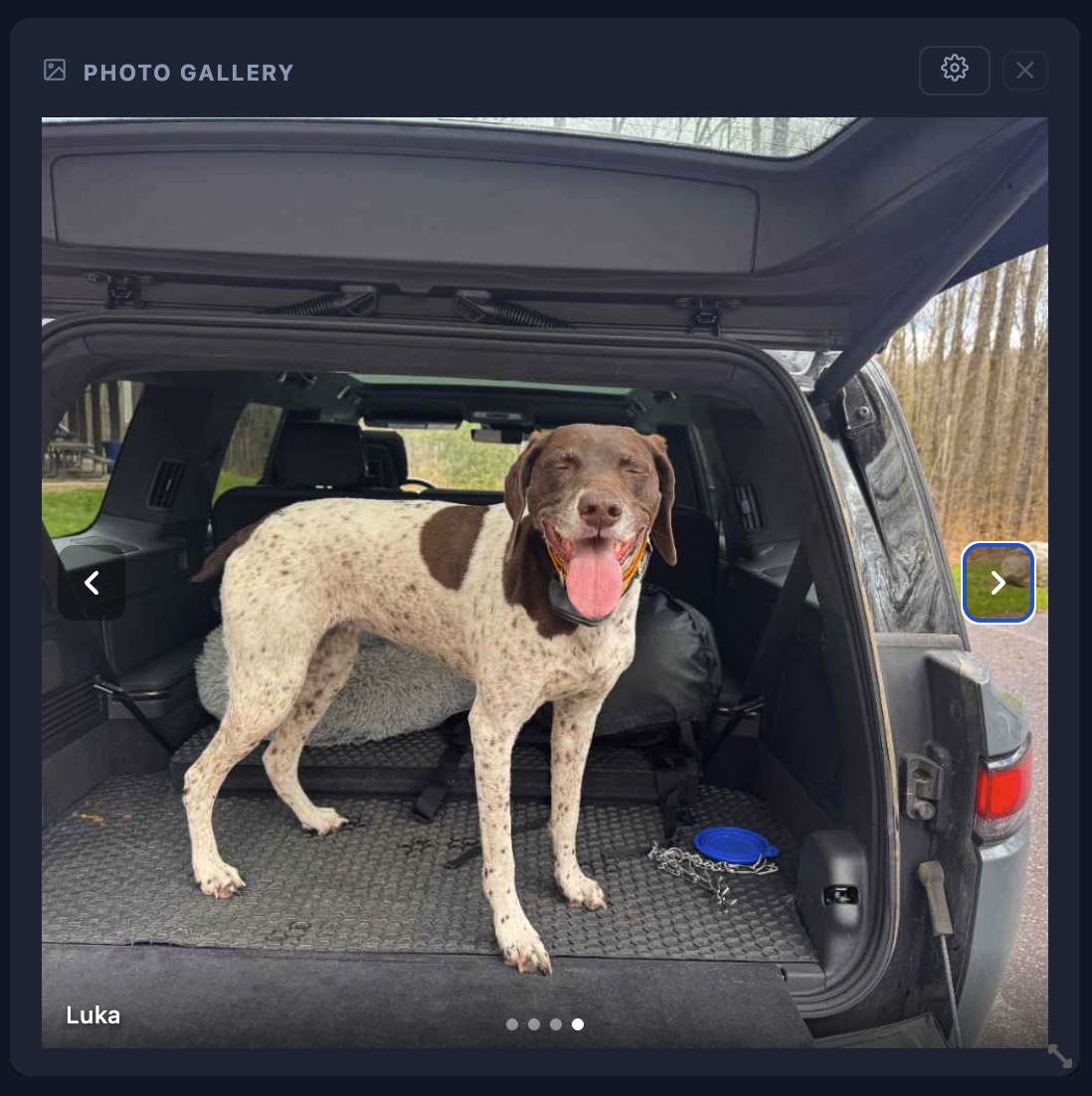
What's included
- Up to 10 personal photos on your dashboard
- Pan and position each photo to frame it perfectly
- Add a caption or name to each photo
- Auto-advance slideshow — choose 5, 10, 30, or 60-second intervals
- Manual navigation with prev/next arrows
- Drag to reorder your photos
- Photos sync across your devices via cloud
- Currently in Beta — more display options coming
How it works
1
Add the widget
Open the widget picker and choose Photo Gallery. Drop it wherever it fits on your board.
2
Upload photos
Click the gear icon and upload up to 10 images from your device. Select multiple at once to save time.
3
Position & caption
Click anywhere on each thumbnail to set the focal point. Add a caption that appears as a subtle overlay.
4
Set display mode
Choose auto-advance with a custom interval, or navigate manually with the arrow buttons.